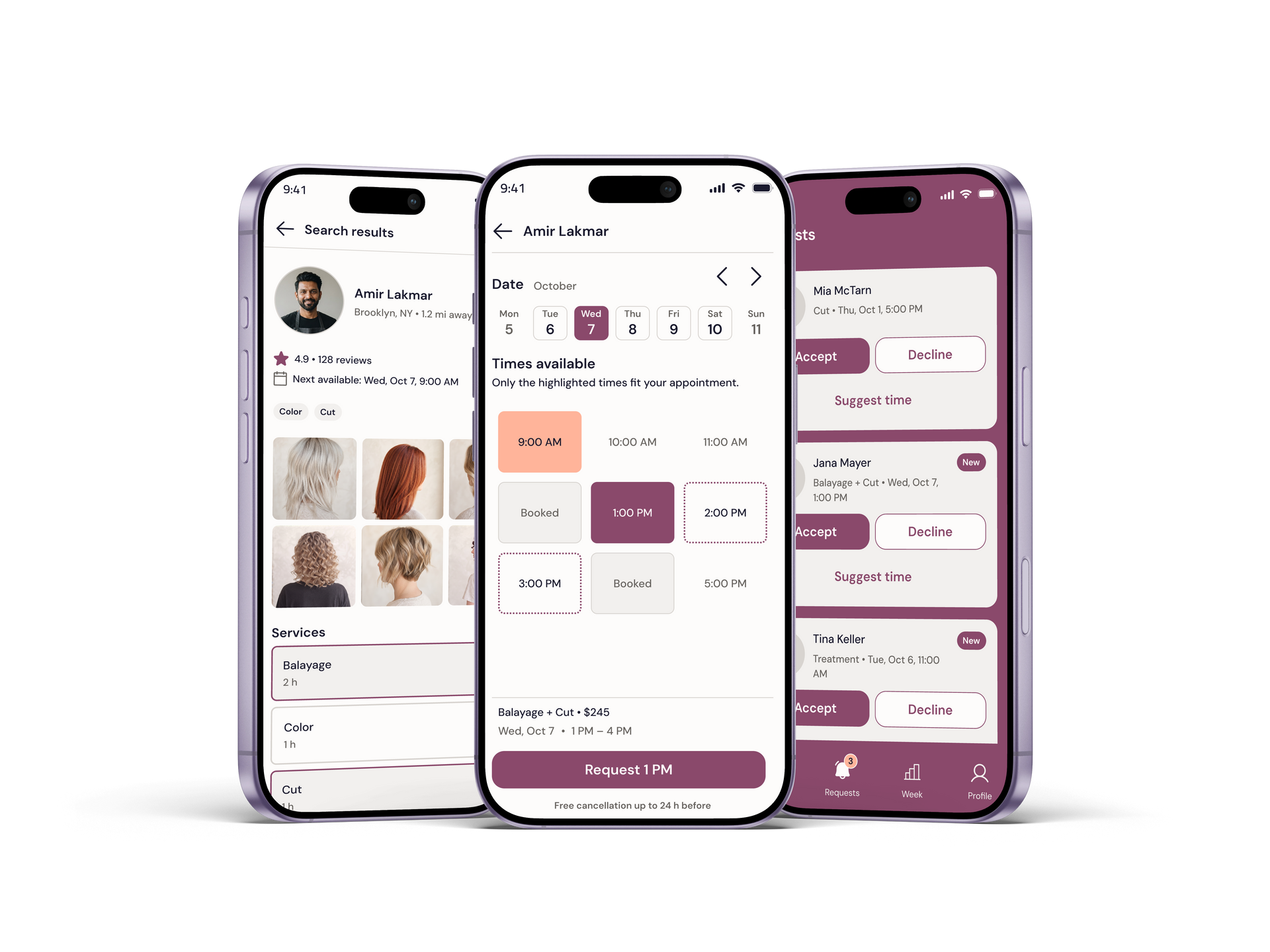
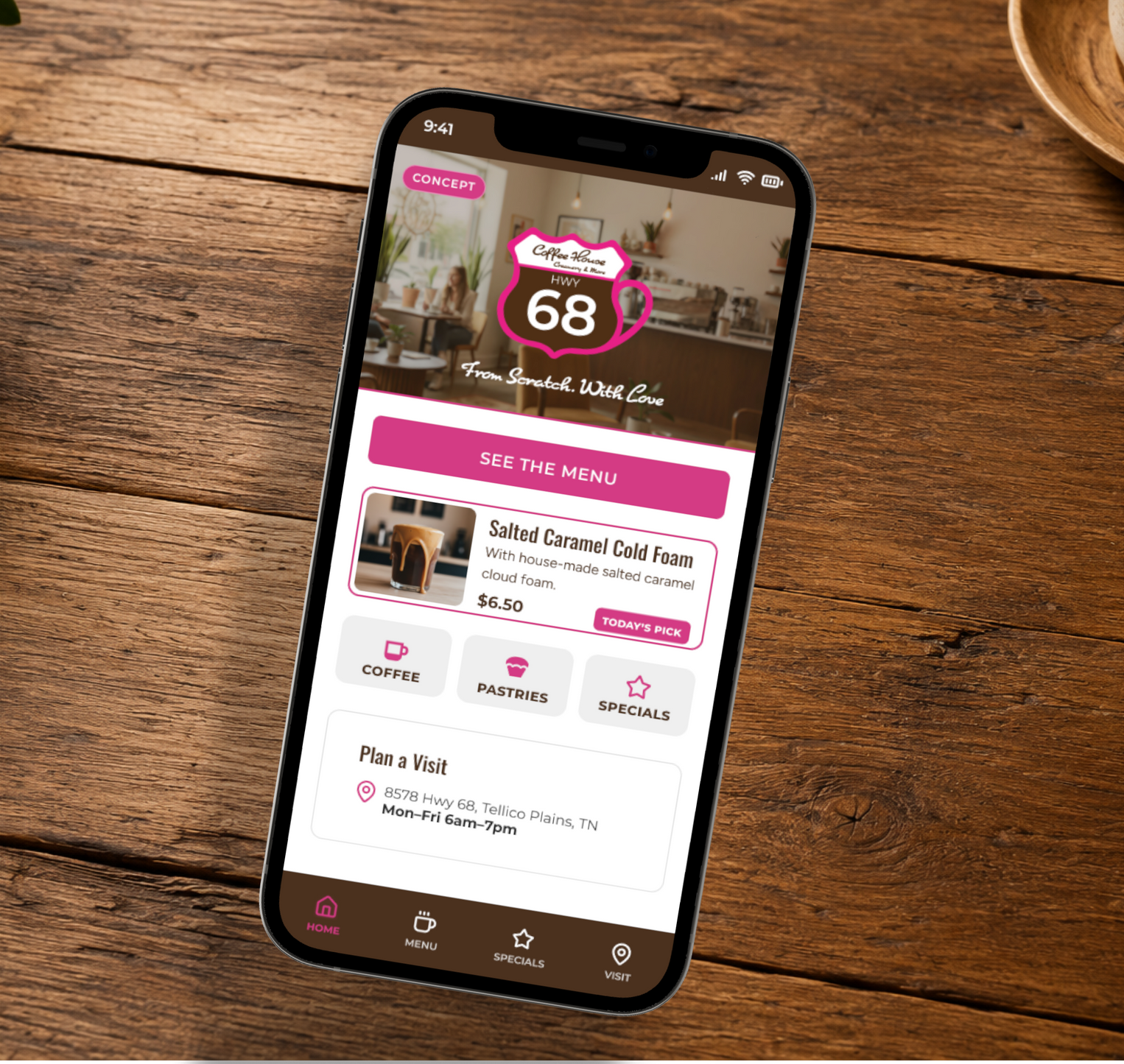
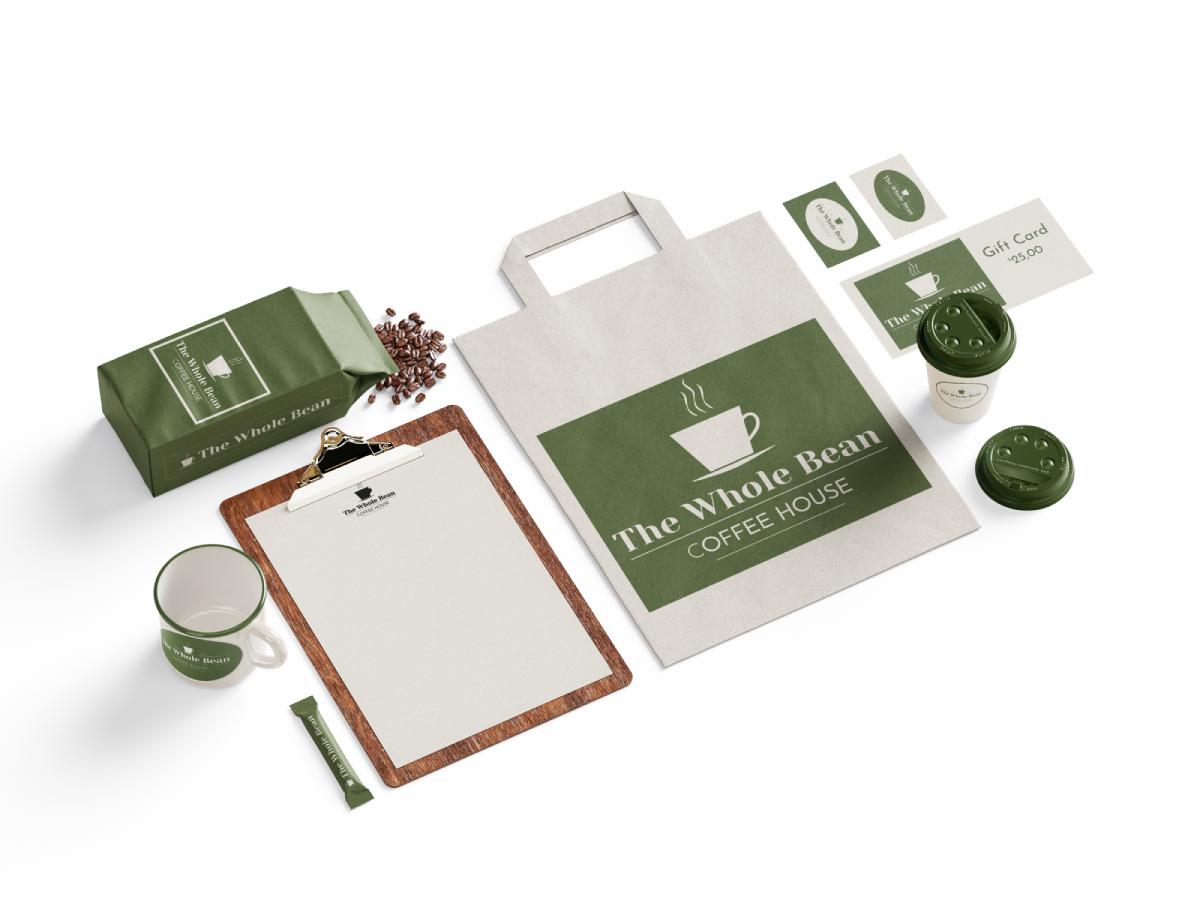
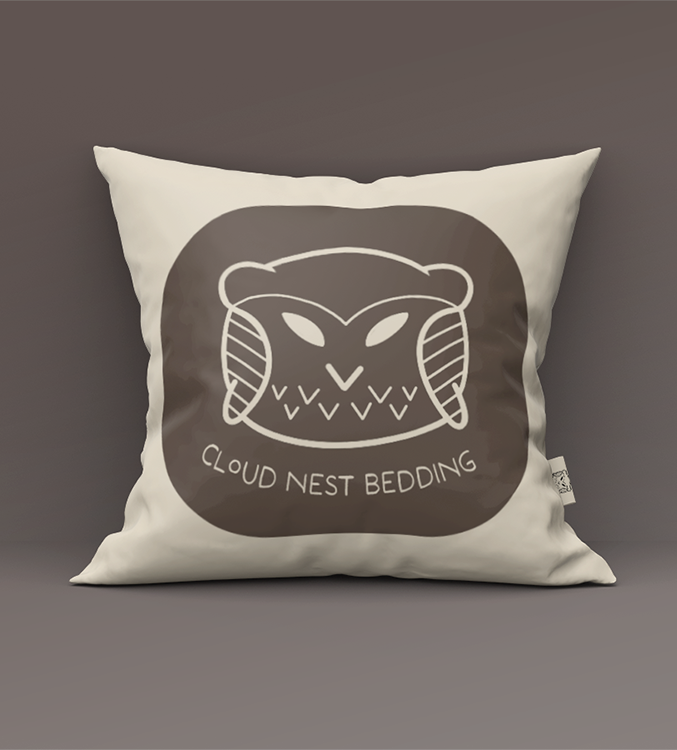
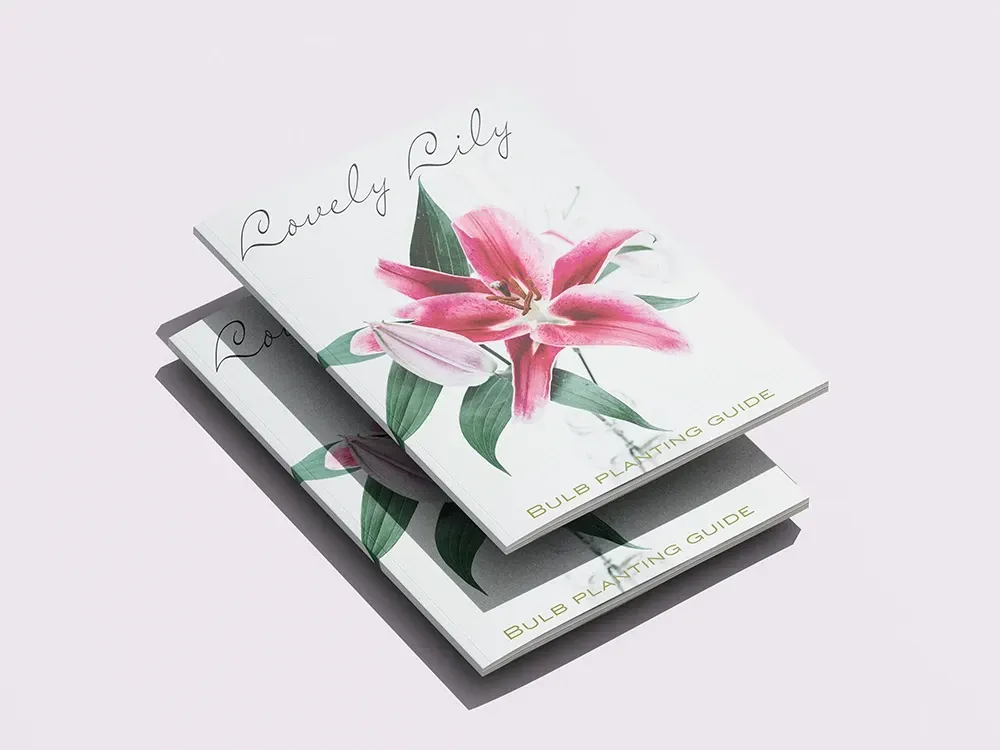
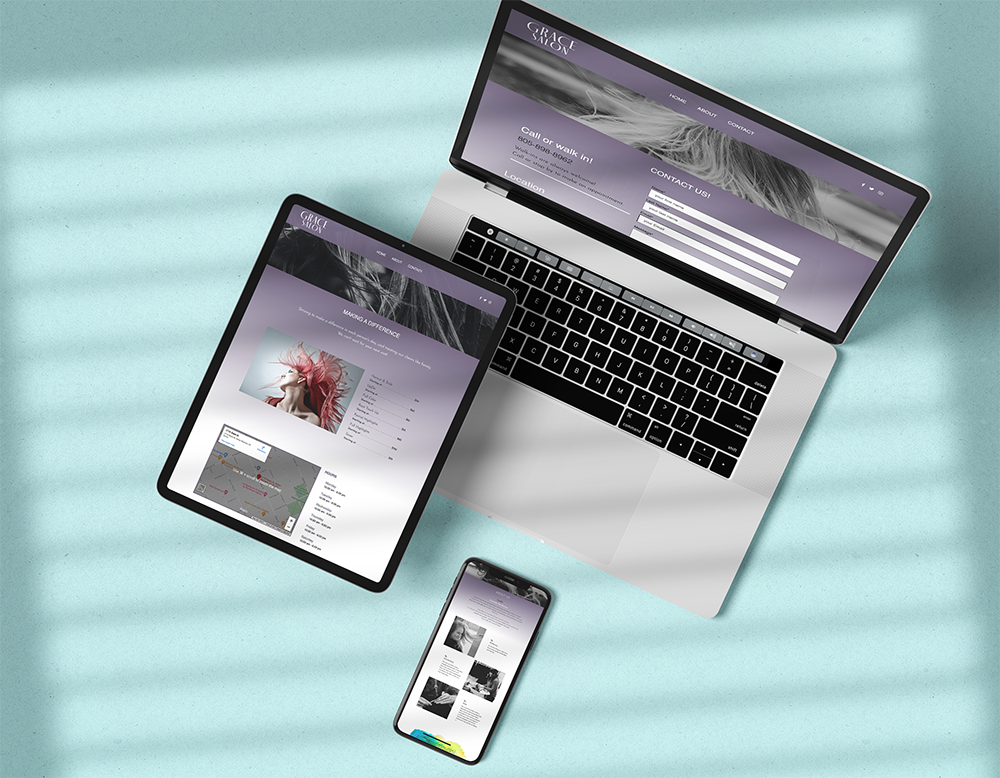
UI/UX, brand systems, web design, and visual work, shaped by an AI-assisted, human-directed workflow. Twenty years of operator judgment behind every call.
UX/UI | Brand Systems | Web Design | Visual Design | AI Workflow
Final decisions stay with me: task flow, hierarchy, accessibility, usability, brand fit, and what gets cut. I run an AI-assisted, human-directed design workflow. AI speeds up the thinking. I make the calls.
Research Support
AI helps me gather context, compare patterns, and pressure-test assumptions before I commit to a direction.
Information Architecture
I use AI to sort, cluster, and stress-test structure so navigation and content hierarchy hold up under real use.
Design Critique
AI acts as a first-pass critic. I run work through it for clarity checks, then apply my own judgment on what stays.
Workflow Speed & Documentation
AI helps draft notes, summaries, and decision logs so more of my time goes to the actual design work.
How I Work
Three checks, every project. This is how a design decision earns its place.
Clarify the Problem
Before anything gets designed, I define what's actually broken and who is paying for it. Twenty years of reading clients taught me the stated problem is rarely the whole problem.
Design for the User and Business
Good design serves both. Every choice gets checked against what the user needs and what the business needs to run.
Make the Decision Defensible
Every call follows the same standard: problem, solution, user, business, trade-off. If I can't explain why, it doesn't ship.
Training & Credentials
Formal training backs the work. The portfolio shows how I apply it.
Google
UX Design Certificate · AI Certificate UX process, user-centered design, and AI-assisted workflow, backed by Google training.
IxDF
UX, Design Thinking, Visual Design, Gestalt, AI for Designers Ongoing UX education through certificates, master classes, and earned distinctions. View IxDF Profile
Skillcrush
Visual Designer · Front End Developer · UI/UX Designer tracks Project-based training across brand systems, responsive web, HTML and CSS, and UX/UI.
College Coursework
Web design · Print design · Adobe tools Formal classroom foundations, before the certificates.
My Tools
Tools across UX/UI, AI workflows, visual systems, and web. A few I live in daily; some are trained foundations; the rest I know my way around.